# กำหนดเงื่อนไขการลา

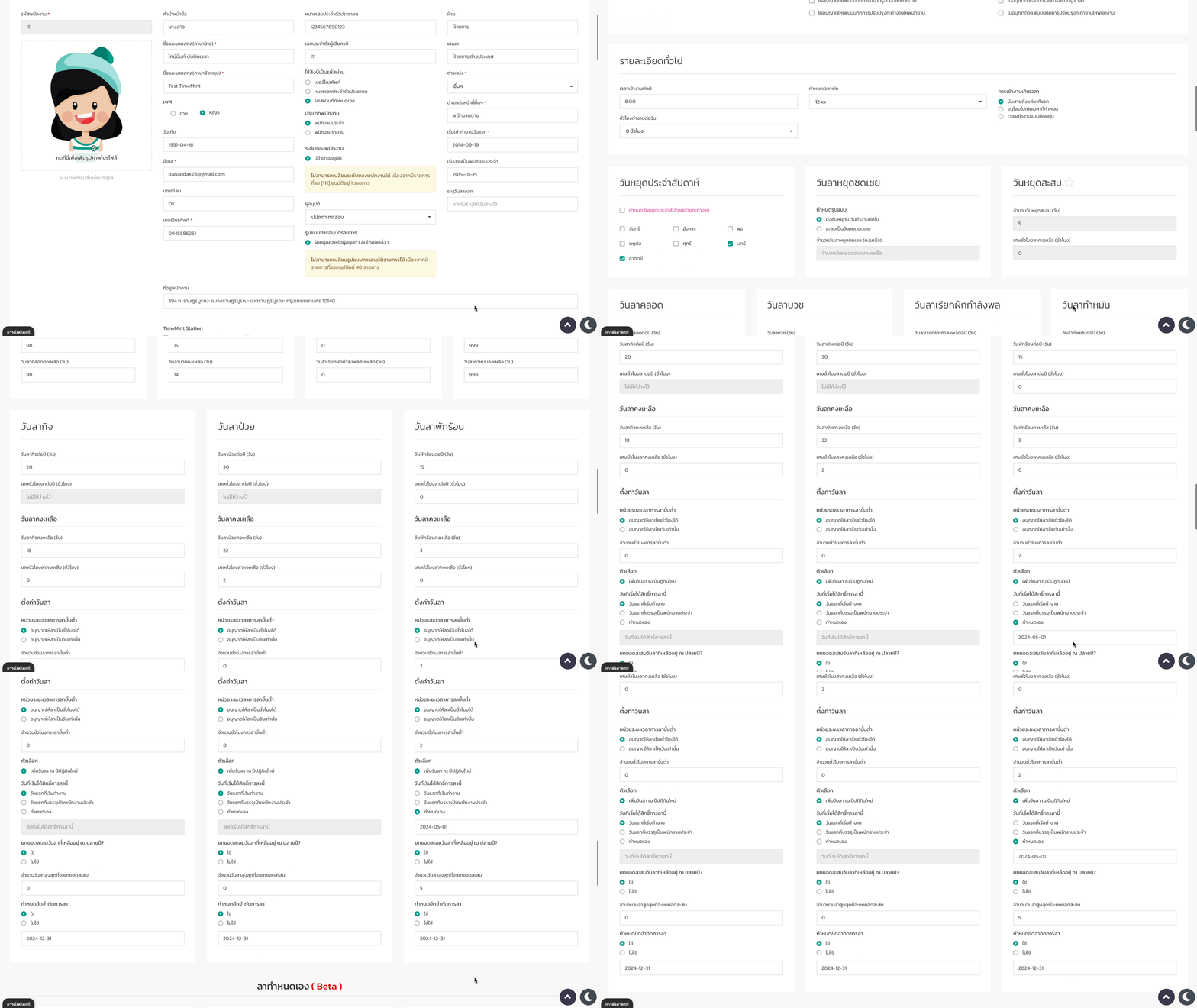
### สามารถกำหนดเงื่อนไขการลาประเภทต่างๆ ได้ 2 ช่องทาง

1. กำหนดได้ที่โปรไฟล์พนักงาน (รายบุคคล)
2. กำหนดแบบรายบริษัท และรายกลุ่ม

<figure><img src="https://www.timemint.co/wp-content/uploads/2024/03/เงื่อนไขการลา-1.gif" alt=""><figcaption></figcaption></figure>

### เงื่อนไขที่สามารถกำหนดได้มีดังนี้

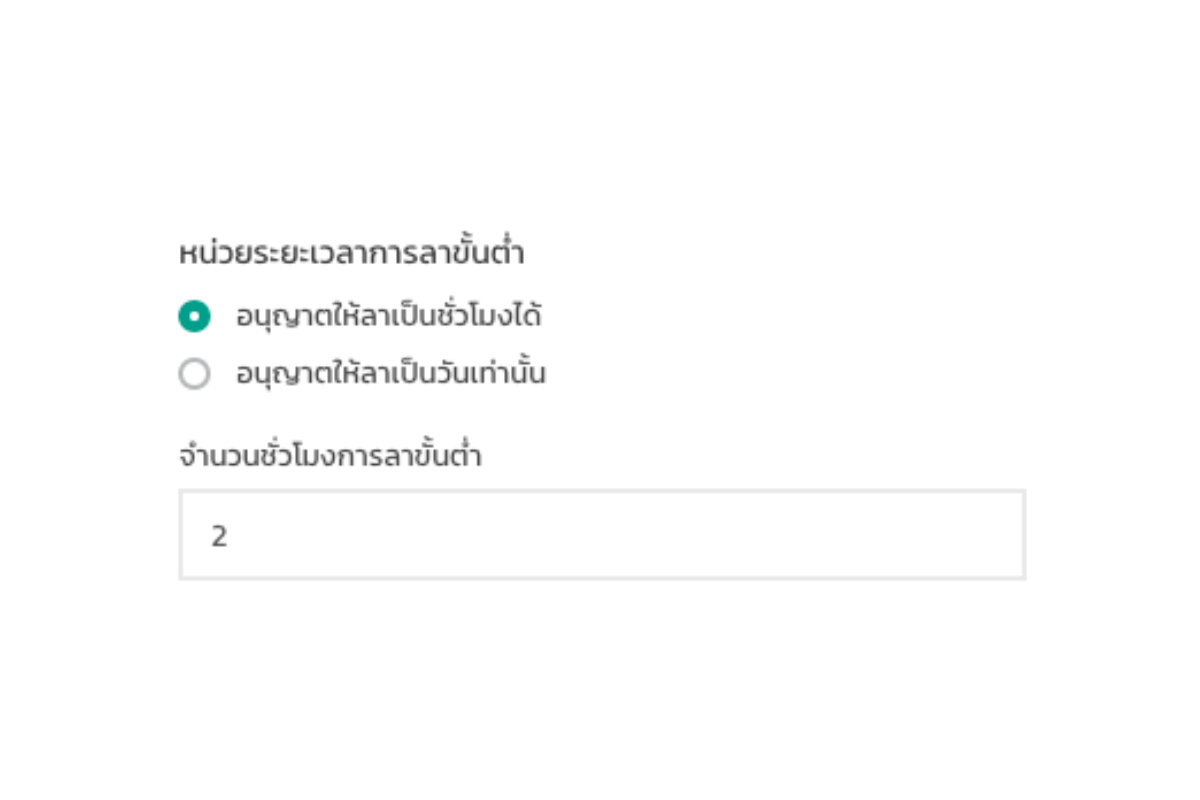
**1.กำหนดชั่วโมงขั้นต่ำในการลา**
<div align="left"><figure><img src="https://www.timemint.co/wp-content/uploads/2024/03/1.png" alt="" width="375"><figcaption></figcaption></figure></div>

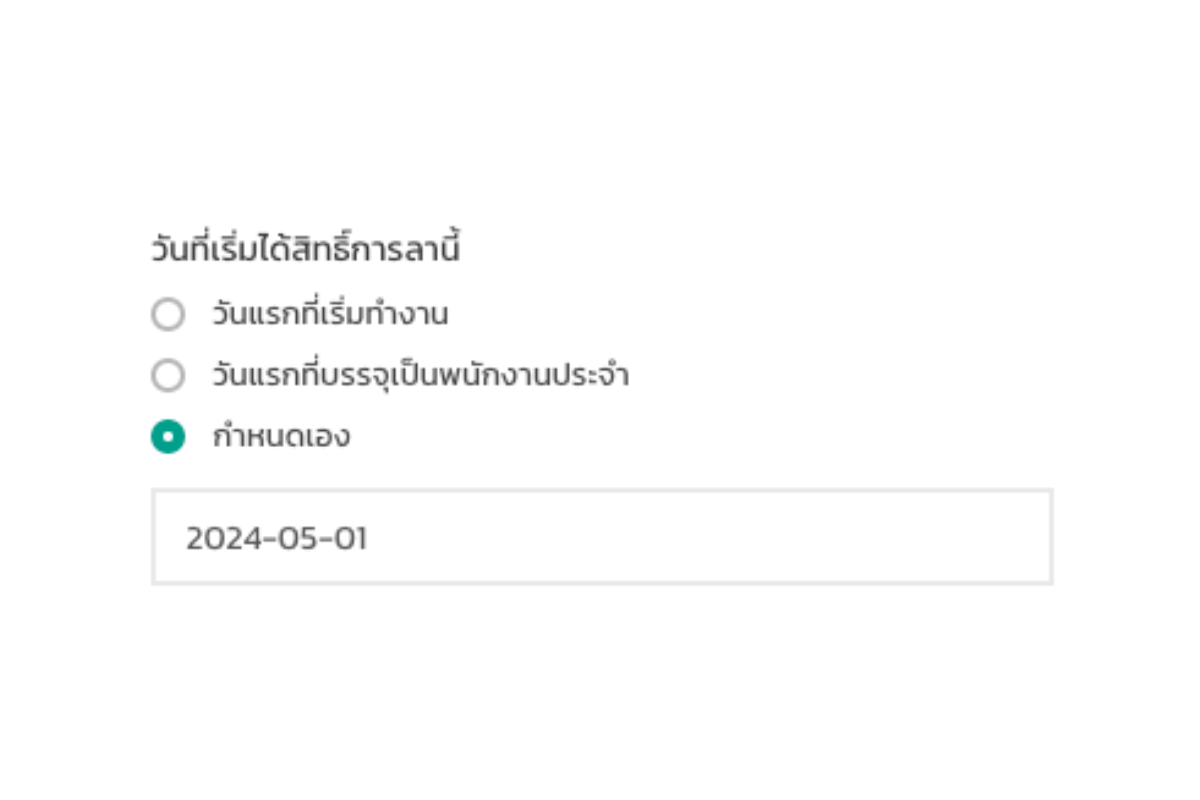
**2.กำหนดวันที่เริ่มได้สิทธิ์การลา**&#x20;

<div align="left"><figure><img src="https://www.timemint.co/wp-content/uploads/2024/03/2.png" alt="" width="375"><figcaption></figcaption></figure></div>

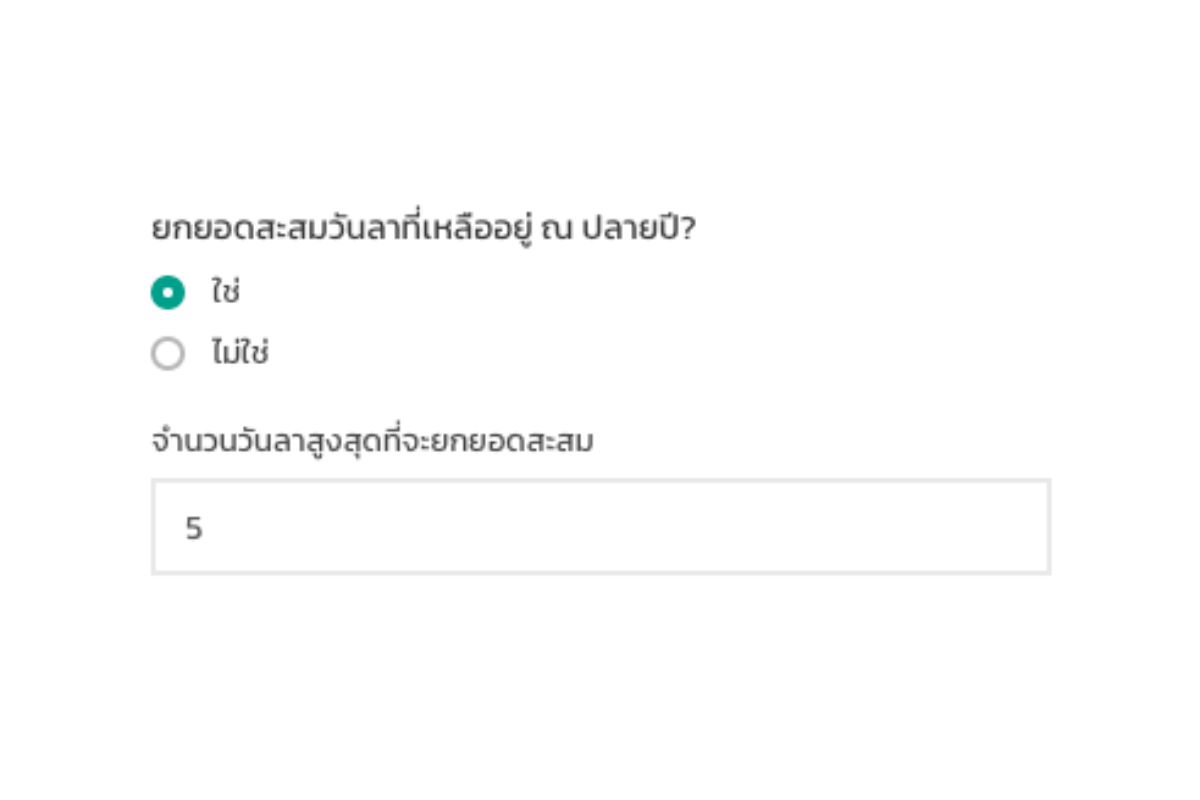
**3.ยกยอดวันลาคงเหลือไปปีการทำงานหน้า**

<div align="left"><figure><img src="https://www.timemint.co/wp-content/uploads/2024/03/4.png" alt="" width="375"><figcaption></figcaption></figure></div>

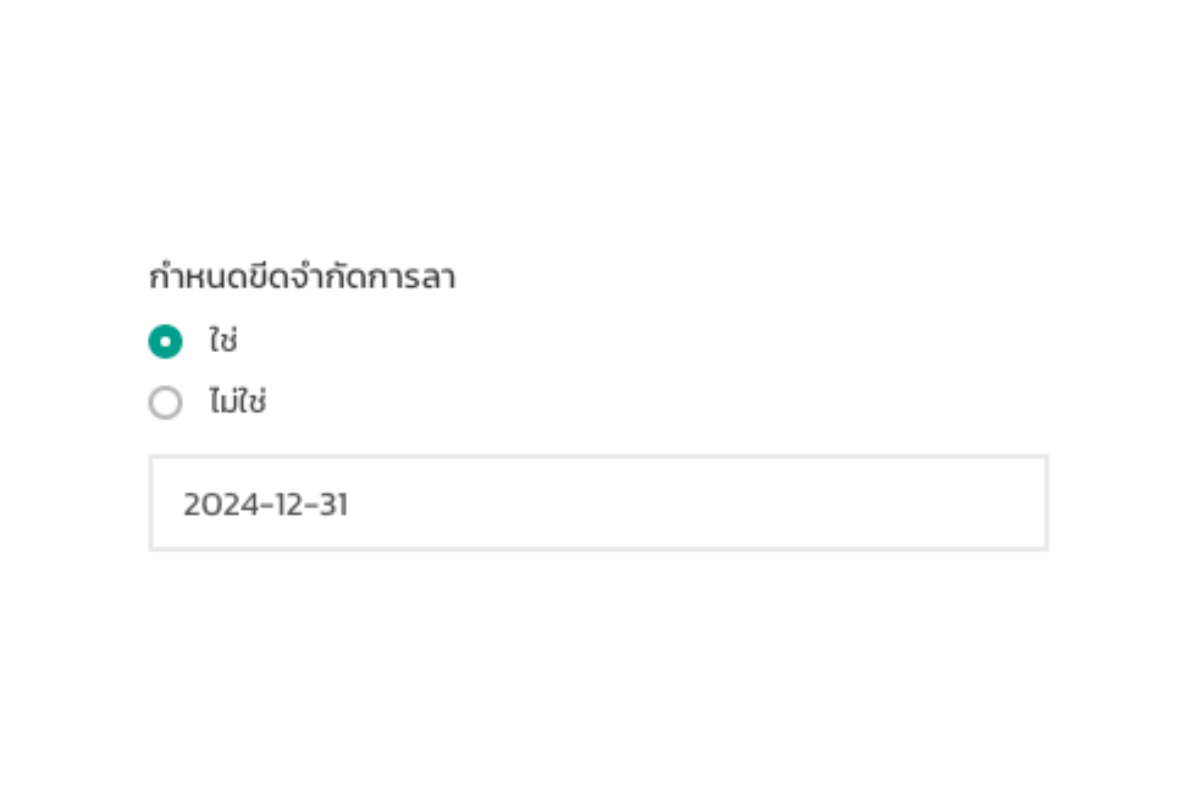
**4.กำหนดขีดจำกัดการทำงานการลา**

<div align="left"><figure><img src="https://www.timemint.co/wp-content/uploads/2024/03/รู้หรือไม่-เงื่อนไขการลา.png" alt="" width="375"><figcaption></figcaption></figure></div>


---

# Agent Instructions: Querying This Documentation

If you need additional information that is not directly available in this page, you can query the documentation dynamically by asking a question.

Perform an HTTP GET request on the current page URL with the `ask` query parameter:

```
GET https://document.timemint.co/timemint-setting/undefined-5/undefined-11/undefined-3.md?ask=<question>
```

The question should be specific, self-contained, and written in natural language.
The response will contain a direct answer to the question and relevant excerpts and sources from the documentation.

Use this mechanism when the answer is not explicitly present in the current page, you need clarification or additional context, or you want to retrieve related documentation sections.